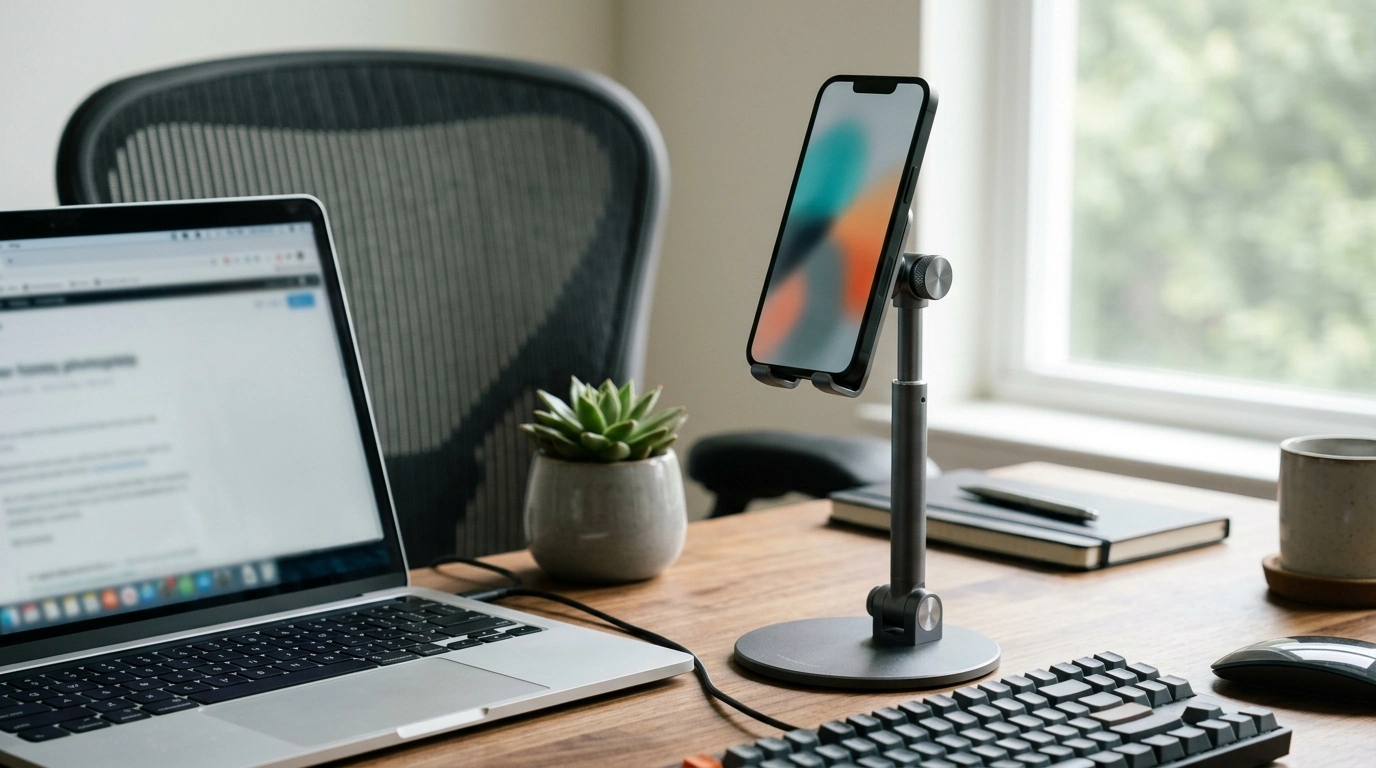
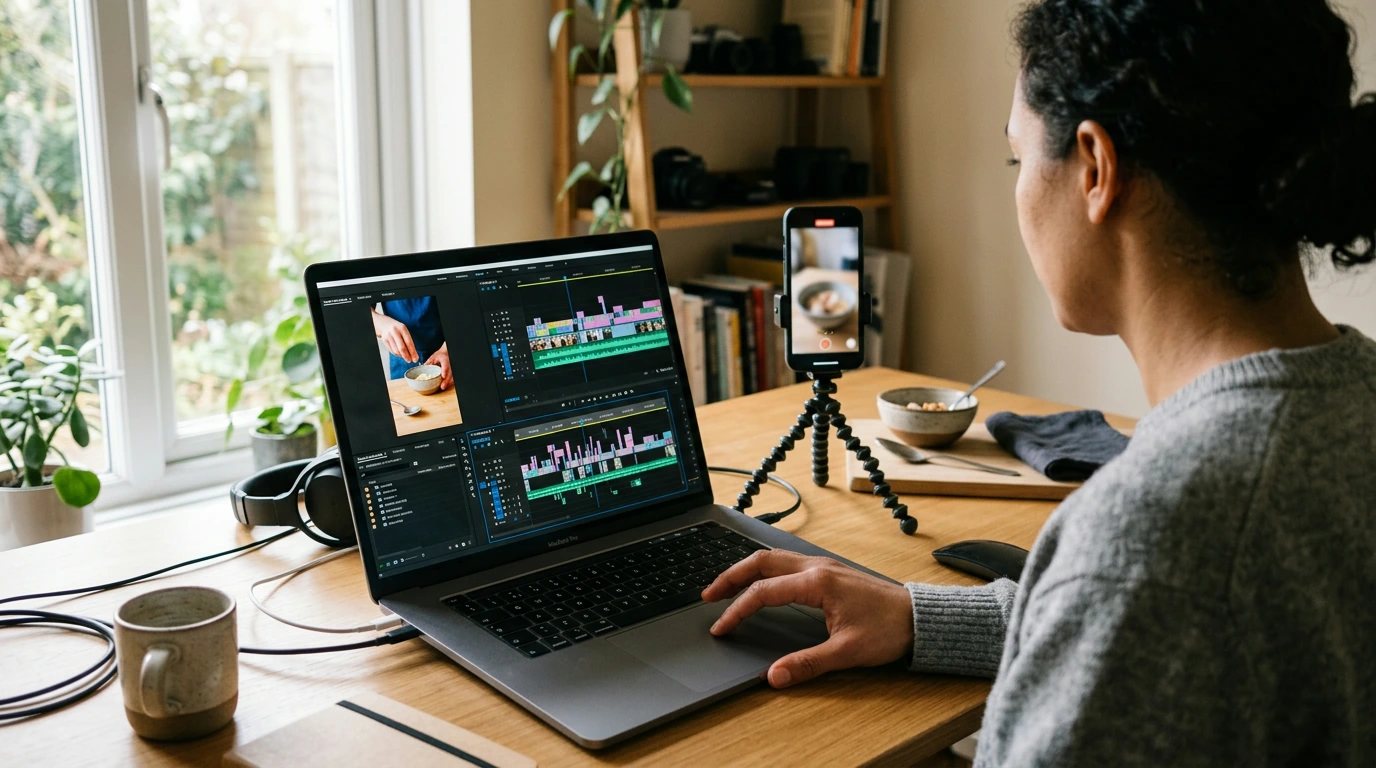
A desk phone stand should make screen time easier: clearer viewing angles for calls, steadier framing for video, and less neck strain during long work sessions. A rotating, height-adjustable holder is built to keep a phone stable, reachable, and positioned at a comfortable eye line—whether it’s used for meetings, streaming, recipes, or a secondary display beside a laptop.
Small changes in screen height and angle can make a noticeable difference in day-to-day comfort. Basic workstation ergonomics often comes down to positioning screens so you can view them without craning your neck or hunching your shoulders; resources like OSHA’s computer workstation guidance and the Mayo Clinic’s office ergonomics overview explain why screen placement matters during long sessions.
A phone on a flat desk tends to pull attention downward, which can encourage a rounded posture and repetitive neck flexion. A dedicated stand turns the phone into a small “desk display,” giving it a consistent home and a better viewing line.
Desks aren’t one-size-fits-all. Between monitor risers, laptop stands, external keyboards, and sit/stand setups, the “right” phone position changes throughout the day. A stand that rotates and adjusts height helps keep the phone usable without reworking the whole desk layout.
| Use case | Recommended orientation | Suggested height/angle approach |
|---|---|---|
| Video calls | Portrait | Raise to eye level; slight tilt to keep face centered |
| Streaming or tutorials | Landscape | Mid height; tilt to reduce glare and keep speakers unobstructed |
| Cooking/recipes at a desk or counter | Landscape | Higher angle; moderate tilt for easy reading from a step back |
| Charging + notifications | Portrait | Low to mid height; keep cable path clear and stable |
| Desk clock/timer | Portrait | Lower height; minimal tilt for quick glances |
Adjustability is only helpful when it stays put. If a stand drifts or wobbles, it can turn quick taps into a constant readjustment routine. A good everyday experience comes from smooth rotation paired with a firm hold at the chosen angle.
For frequent tapping (pausing videos, scrolling messages, starting timers), prioritize placement as much as hardware: a hard, flat surface and a centered phone usually matter more than extreme tilt angles.
A rotating stand becomes more useful when it’s treated like a “mini monitor” rather than a passive cradle. The goal is to set it once for a task and keep it stable—then switch quickly when the task changes.
Most “problems” with phone stands come from surface choice, extreme angles, or off-center placement. A few quick habits help maintain grip and keep the stand feeling solid.
| Item | Price | Availability |
|---|---|---|
| 360° Adjustable Phone Holder Stand for Desk with Rotating, Height Adjustable Mount | $10.51 USD | In stock |
Yes. A 360° rotating mount makes it easy to switch orientations quickly without sliding the base around, and a firm joint helps the phone stay locked in the chosen position.
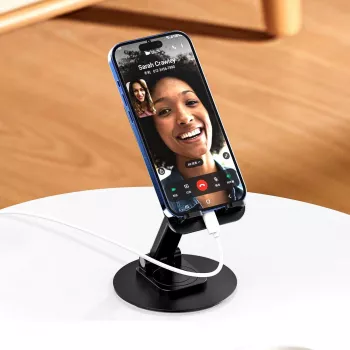
Raise the phone toward eye level so the camera angle is more natural and you’re not looking down for long periods. Then use a slight tilt to keep your face centered and reduce glare from lights or windows.
Set the stand on a hard, flat surface, center the phone on the cradle, and avoid extreme tilt angles that shift weight forward. Keeping the base clear of soft pads and routing the charging cable so it doesn’t tug also helps.








Leave a comment